
Bloom / Web
A visual map of what a backend does.
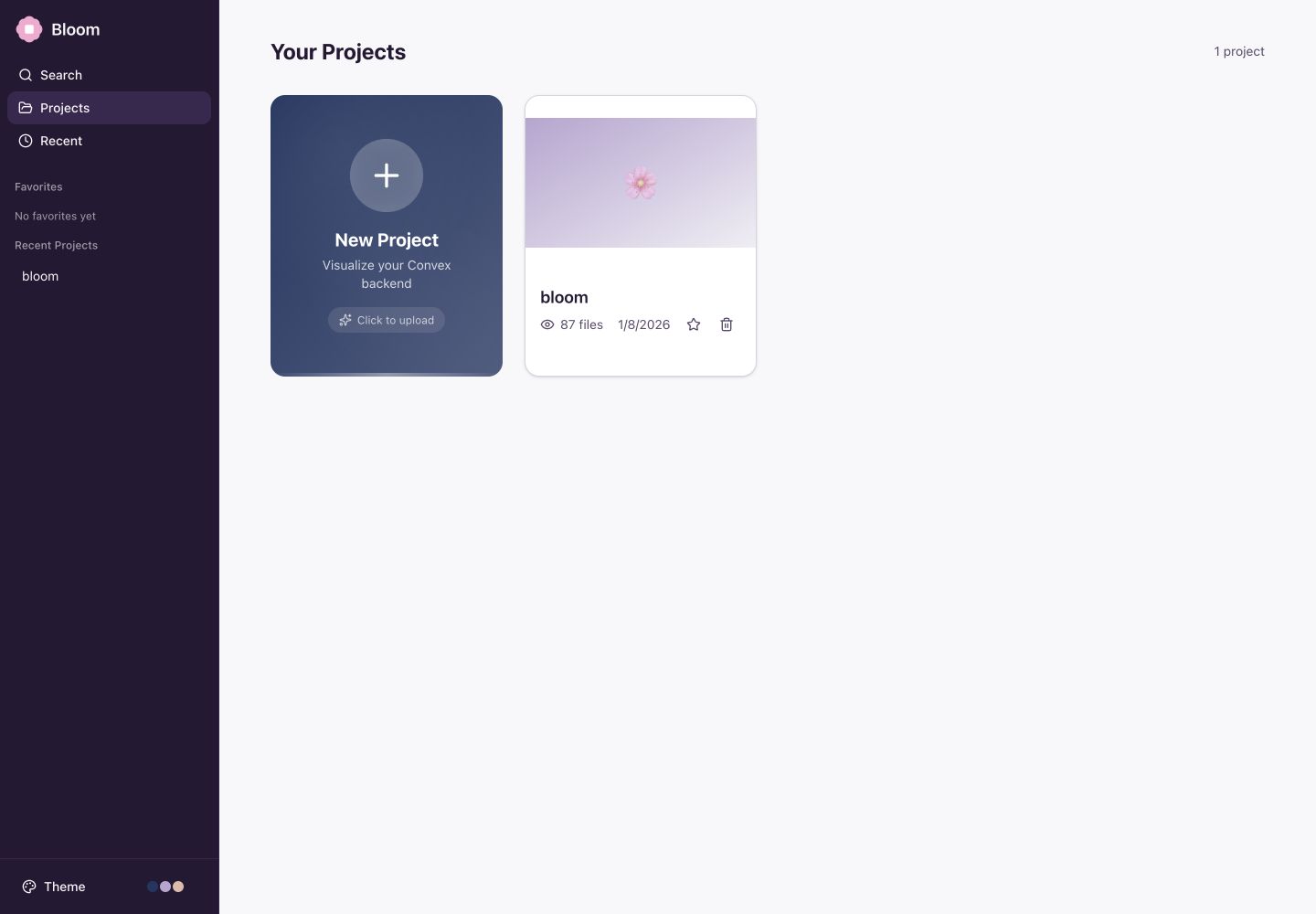
A Convex backend visualizer that turns source files into a map of queries, mutations, actions, and their relationships.
- My role
- Full-stack development
- When
- 2026
- Built with
- Next.js · React · TypeScript · Convex · React Flow · ts-morph · Gemini
Explore how it works
Try it yourself ↓Follow a feature from the screen to the data.
Select a node, trace its dependencies, and connect the diagram with the code behind it.
app/note-form.tsx
const addNote = useMutation(api.notes.add);

await addNote({ title: "A new idea" });
The form calls a mutation to create a note.
An invented Convex project illustrates Bloom’s graph and source-code navigation. The snippets and dependencies are fixed examples; no repository is being scanned.
The challenge
Understanding a backend often means moving between many files while keeping the relationships in your head. Bloom brings the structure into view and keeps the underlying code close by.
How I built it
Read the code structurally
Folder and ZIP uploads feed TypeScript AST parsing with ts-morph, identifying Convex queries, mutations, and actions.
Put the map beside the source
A React Flow graph, operation badges, and split code-and-diagram panes support moving between an overview and implementation detail.
Make room for questions
Gemini-powered code Q&A provides another way to explore the uploaded project alongside the visual graph.
What came out of it
A deployed developer tool for exploring Convex backend structure through source code, an interactive diagram, and code questions.
Sources & project context
- Project README and manifests, reviewed October 2026